Try it yourself
Live demo
No signup, no install - log in to the live Reqad admin panel or account panel running on a sandboxed demo VPS and click around.
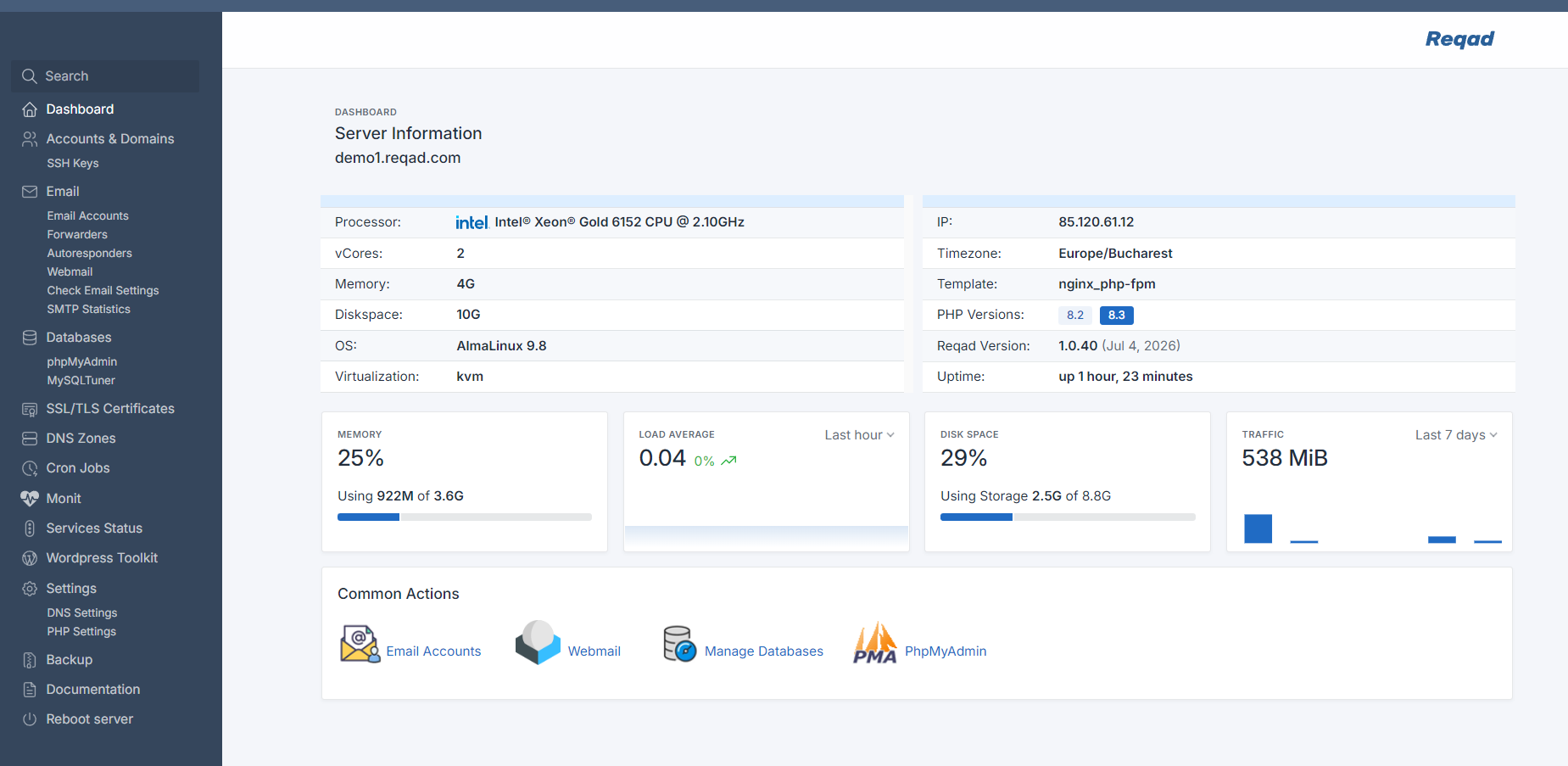
Admin panel
The server panel: accounts, email, DNS, SSL, services and settings for the whole VPS.
URL: https://demo1.reqad.com:2087/
User: demo
Pass: TestReqadDemo
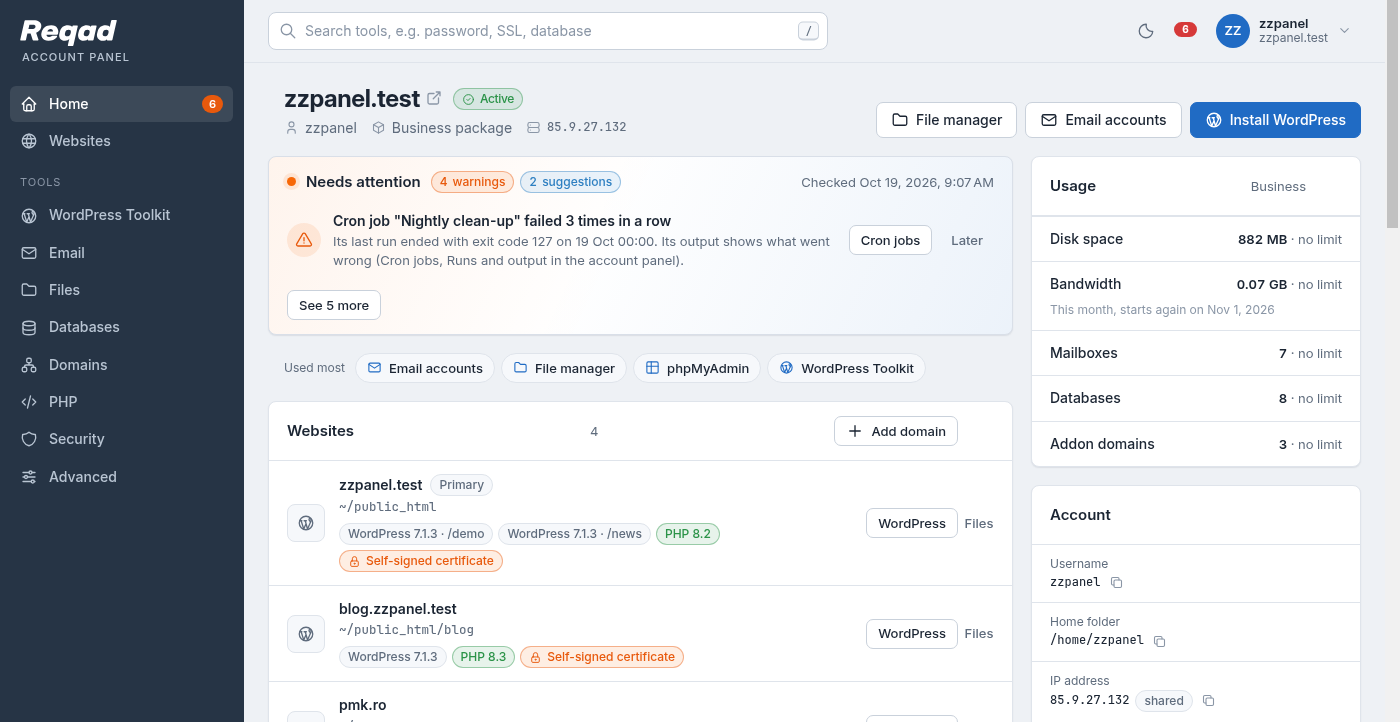
Account panel
What a hosting customer sees: their websites, email, files, databases and WordPress.
URL: https://demo1.reqad.com:2083/
User: demo
Pass: TestReqadDemo
It resets regularly and a few actions are disabled or restricted to keep it safe and usable for everyone - don't use it for anything real, and expect other visitors to be poking around in it too.
One of the domains set up in the panel, reqad.eu, is a real domain - DNS changes you make to it in the demo are applied live through the Cloudflare DNS API (the API credentials themselves aren't exposed anywhere in the panel).